Sending feedback
If you notice something, get stuck, or wish something worked differently, send us a note. You can send feedback from any page, even just a line.
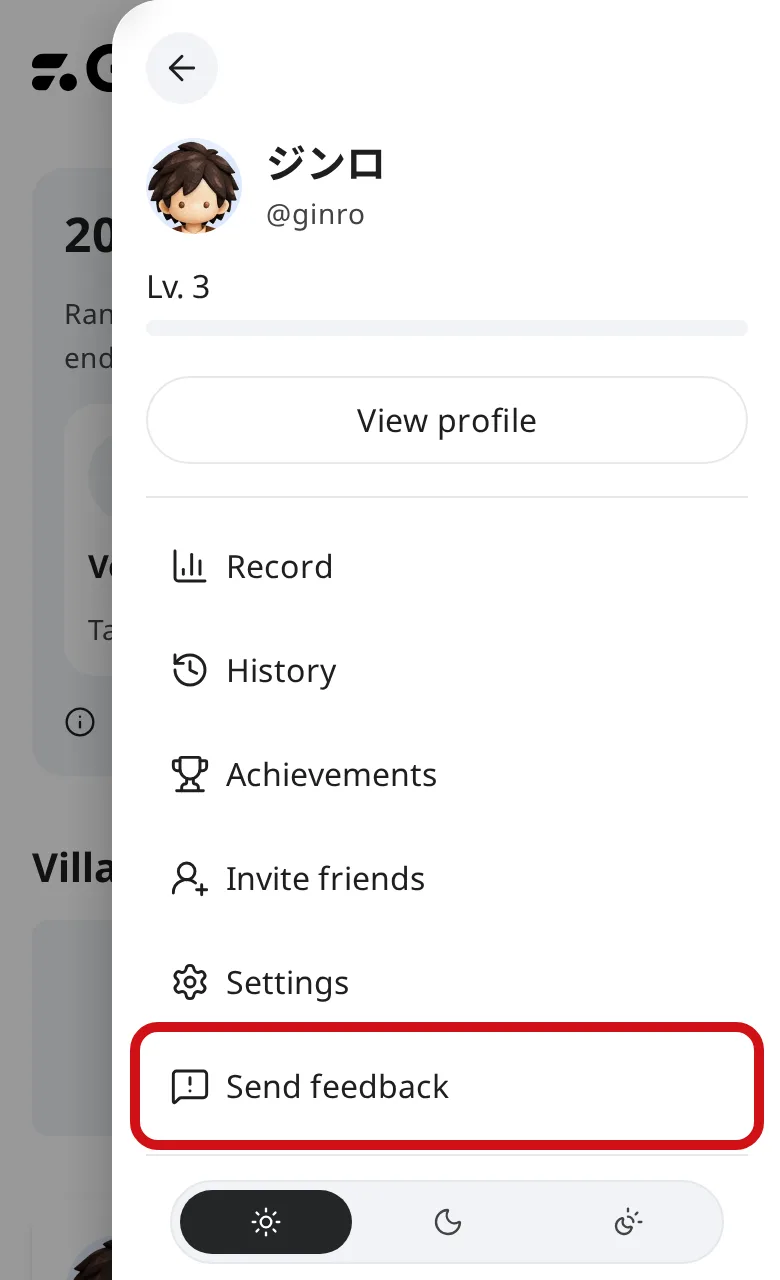
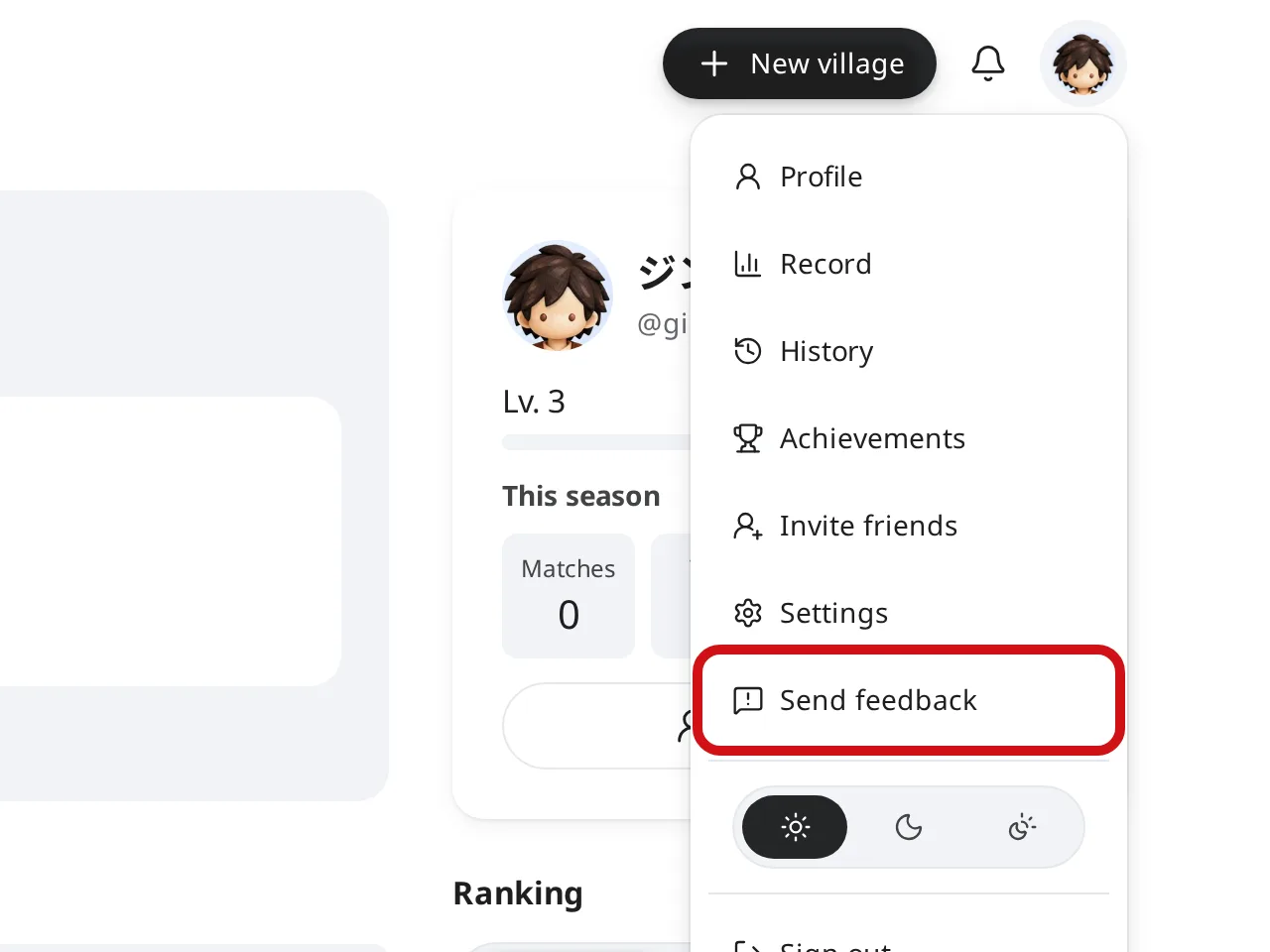
From the account menu
Tap your avatar at the top right to open the account menu.
Tap “Send feedback” to open the feedback window.
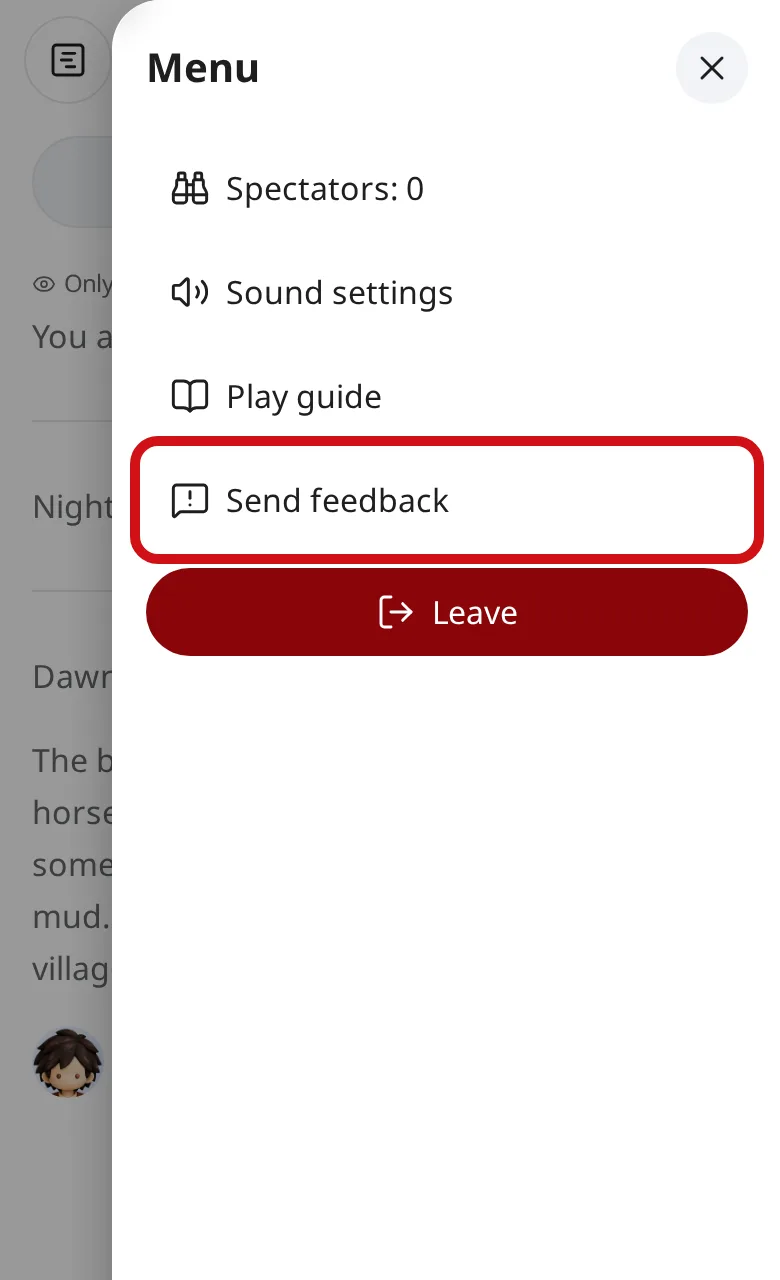
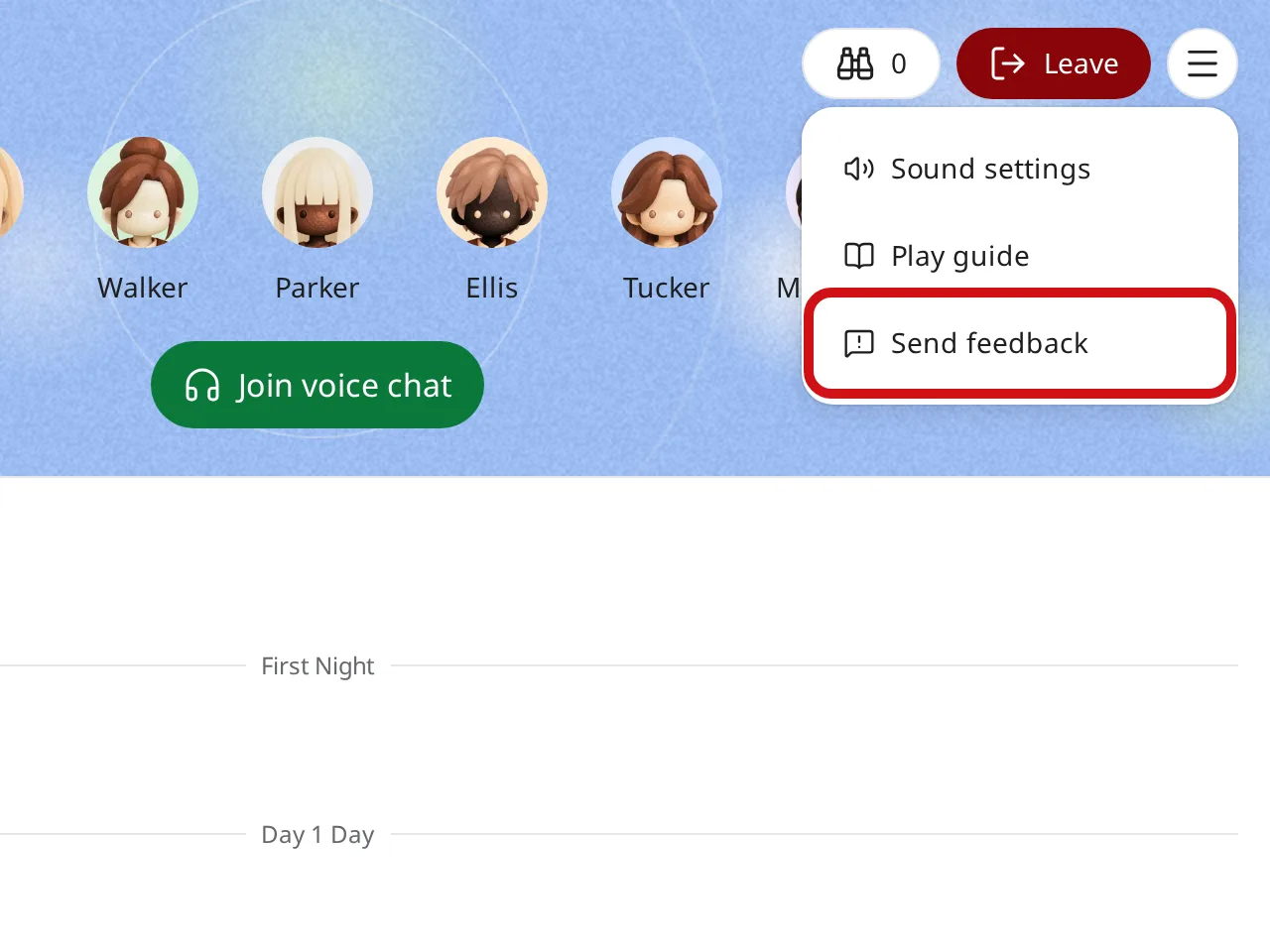
During a game
In a game, tap the menu button at the top right, then tap “Send feedback”.
The game keeps going while you write.
Write it and send
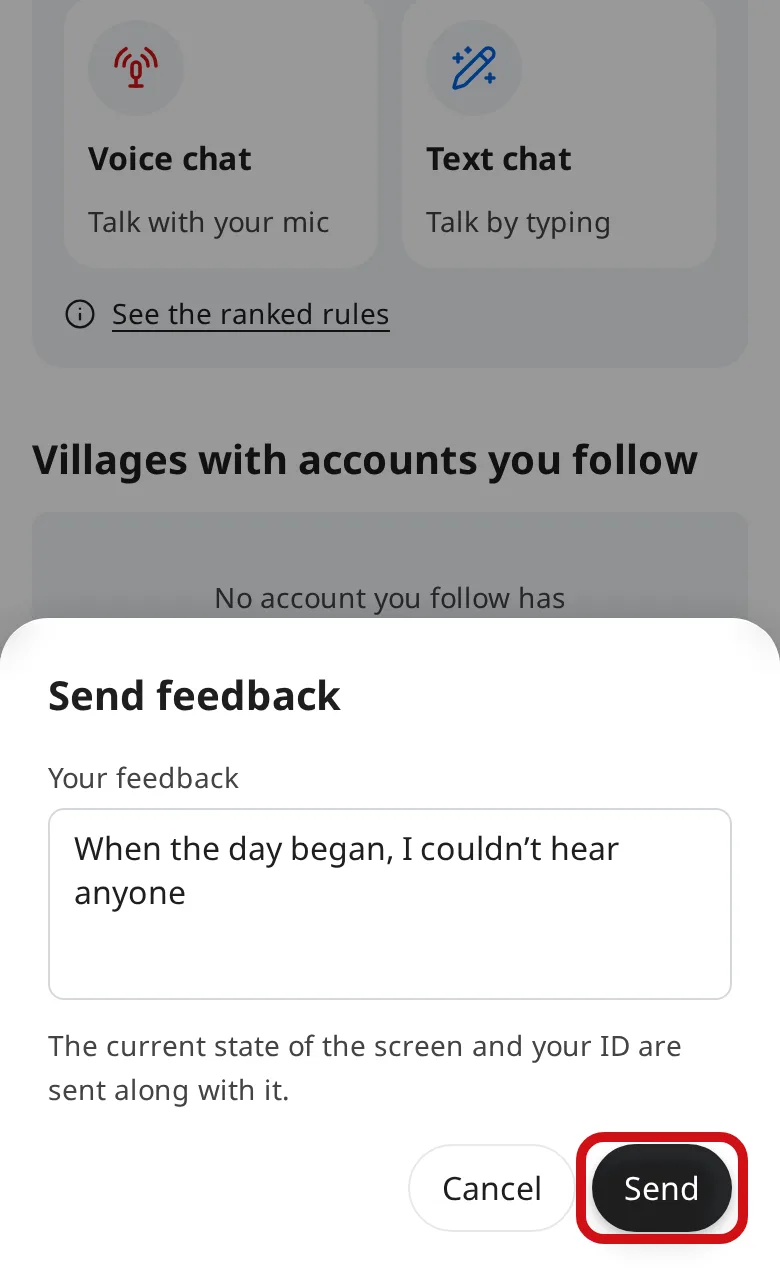
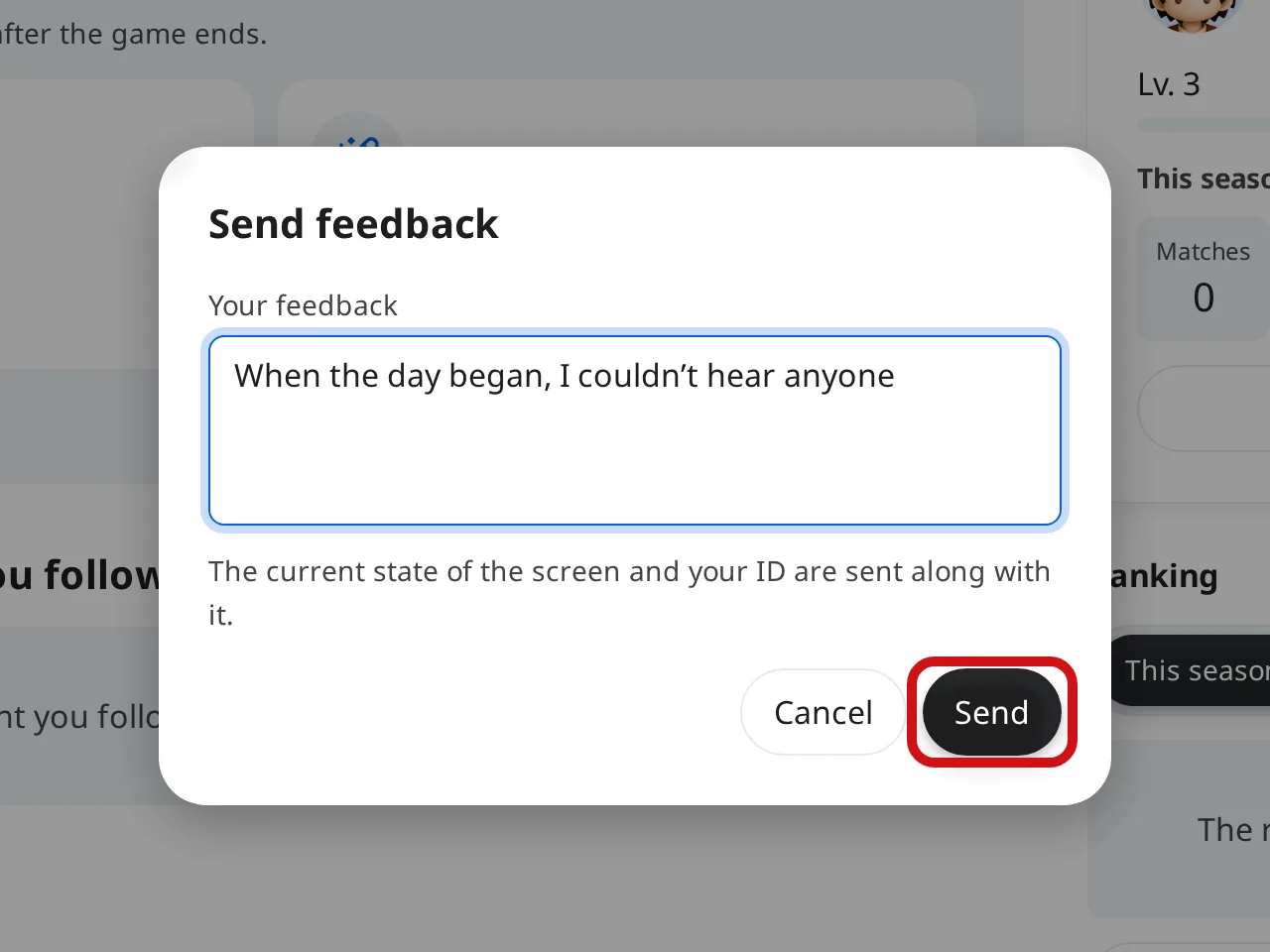
Write what happened or what you noticed, then tap “Send”.
For a bug, it helps us find the cause if you say when it happened, on which screen, what you did and what you saw.
Along with what you write, we receive the state of the screen when you opened the feedback window, and your account ID if you’re signed in. We don’t receive your name, email address, role or chat.
If you need an answer
Feedback doesn’t include your email address, so we can’t reply to it.
If you need an answer, use the contact form.