Creating a village
Each field of the village form: what it means, what you can choose and where it starts. Learn how to set players and roles, tags and times.
From creating to the start of the game
Use New village at the top of the page to create a casual village. Ranked games are matched automatically, so you never create a village for them.
The form starts with the village name, conversation mode, players and roles, and tags. Phase times, Who can play and Options are folded; press one to open it. Every field except the number of players has a default, so once you choose the number you can create the village without changing anything else. Press Create village at the end of the form to open a page that lists every setting. Press Create village there, and the village opens on its waiting screen.
Whoever creates the village is its host. Until the game starts, the host can change the settings from Edit settings on the waiting screen. Saving clears everyone's ready state and notifies the players. Only the anonymous setting cannot change after creation.
Name and conversation
- Village name
- It starts as a weather and a wood together, such as Fog Hinoki Village. Press the pencil button beside it to rename it. Village is added at the end, and the whole name can be up to 40 characters, Village included.
- Conversation
- Text chat (the default) or voice chat. Voice chat villages have text chat too, unless the village is set to no text chat.
Players and roles
Choose 6 to 20 players. The preset and the roles then open below, filled in with the recommended roles for that number. If you change the number later, the roles change to the recommended set for the new number; Rules at a glance lists them.
Picking a preset changes the number of players and the roles together.
From there, use + and − to change how many of each role there are. Roles explains each one. A role the operators have switched off is marked unavailable, and the village cannot be created while it is in the game.
- 6-player setup
- The smallest set you can play. Good for a first game, or when few people are around
- VillagePlayers: 4
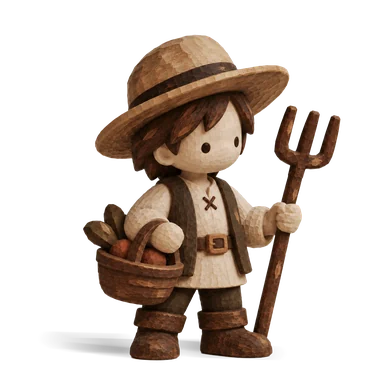
- Villager×3
- Seer×1
- WerewolvesPlayers: 2
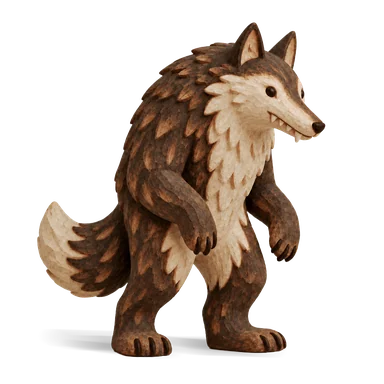
- Werewolf×1
- Madman×1
- Ranked 9 setup
- The same roles as 9-player ranked games. If the ranked roles change, this changes with them
- VillagePlayers: 6
- Villager×3
- Seer×1
- Medium×1
- Bodyguard×1
- WerewolvesPlayers: 3
- Werewolf×2
- Madman×1
- Ranked 11 setup
- The same roles as 11-player ranked games. If the ranked roles change, this changes with them
- VillagePlayers: 8
- Villager×5
- Seer×1
- Medium×1
- Bodyguard×1
- WerewolvesPlayers: 3
- Werewolf×2
- Madman×1
- Fox 13 setup
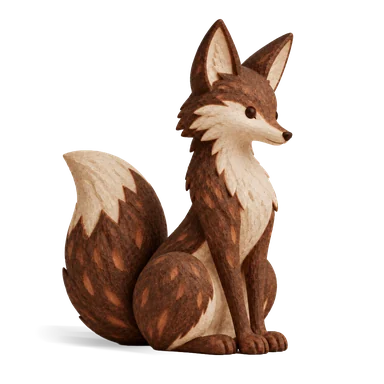
- Adds the Fox, who is neither human nor werewolf, and two Masons who know each other
- VillagePlayers: 9
- Villager×4
- Seer×1
- Medium×1
- Bodyguard×1
- Mason×2
- WerewolvesPlayers: 3
- Werewolf×2
- Madman×1
- FoxPlayers: 1
- Fox×1
Role rules
If the roles break one of these rules, the form shows why and the village cannot be created. Within the rules, a village can leave out the Seer, Medium or Bodyguard.
- Total
- The roles add up to the number of players
- Werewolves
- At least one, and fewer werewolves than humans at the start
- Nekomata, Fox, Cupid
- One of each at most
- Masons
- None or two
- Immoral
- Only with a Fox
- Madman, Fanatic
- Only with a Werewolf
Up to three tags, and three of them change settings
Tags help people find the village in the village list. A village can have up to three.
For fun and Competitive are labels only. The other three also change Phase times or Who can play when you pick them. If you later change those settings so a tag no longer fits, the tag comes off.
Phase timers
Open Phase times to change each phase's timer with + and −. Game flow explains the order of the phases.
Who can play
Open Who can play to choose which of these nine entry ranks can play. All of them start checked, and at least one must stay. The ranks only limit who takes a seat; anyone can watch, and the host can always sit.
- Beginner
- Iron
- Bronze
- Silver
- Gold
- Platinum
- Diamond
- Master
- Grandmaster
Options
Open Options to turn these settings on or off. Joining and creating villages explains how a GM village runs.
Check before you create
Create village at the end of the form opens Check the settings, which lists the name, public or unlisted, the conversation mode, the number of players, the roles, the phase times and the other settings. Check them there so you do not mix the village up with one that has a similar name. Create village creates it, and Back returns to the form.
See the rules at a glance and See how to create a village open in a new tab, so your choices stay in the form.